This section features four photographs created in different formats: landscape, close-up action and portrait. Each image was planned to explore a different approach to composition, subject focus, and visual storytelling. As part of the editing process, I used non-destructive editing techniques to improve the photos while preserving the original image files. One of the photos also includes a changed background and added text, allowing me to experiment further with creative editing and visual presentation. Below, I have explained clearly how I edited each image in Adobe Photoshop to achieve the final results.
Landscape of Nature
Original Image Final Results
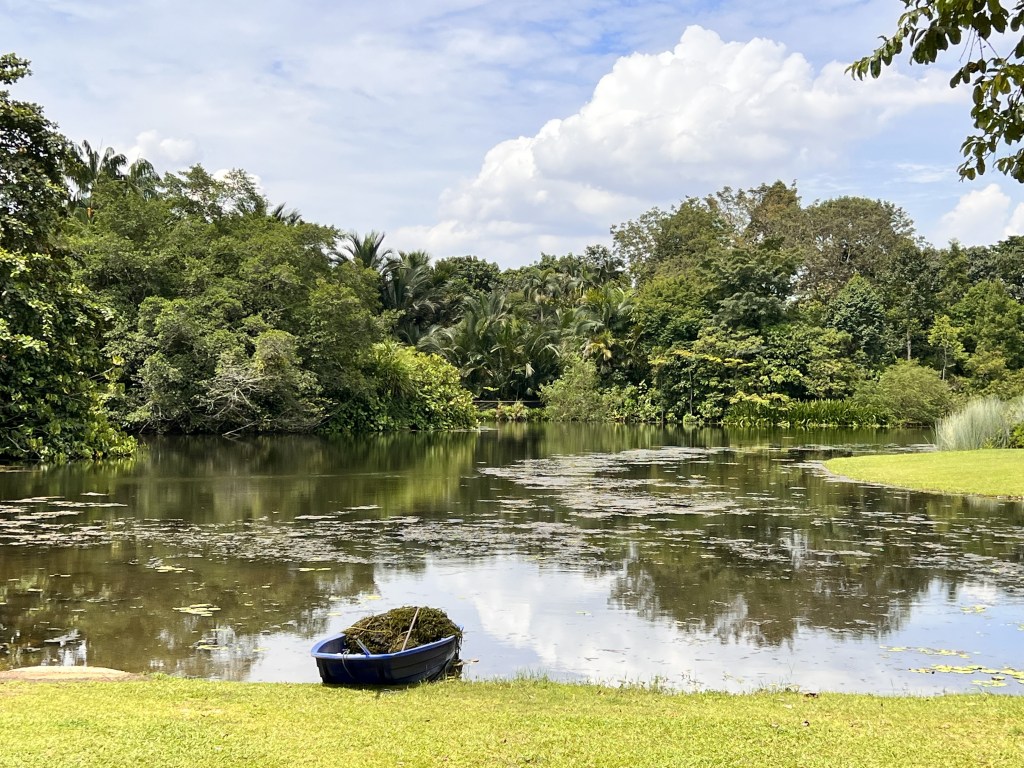
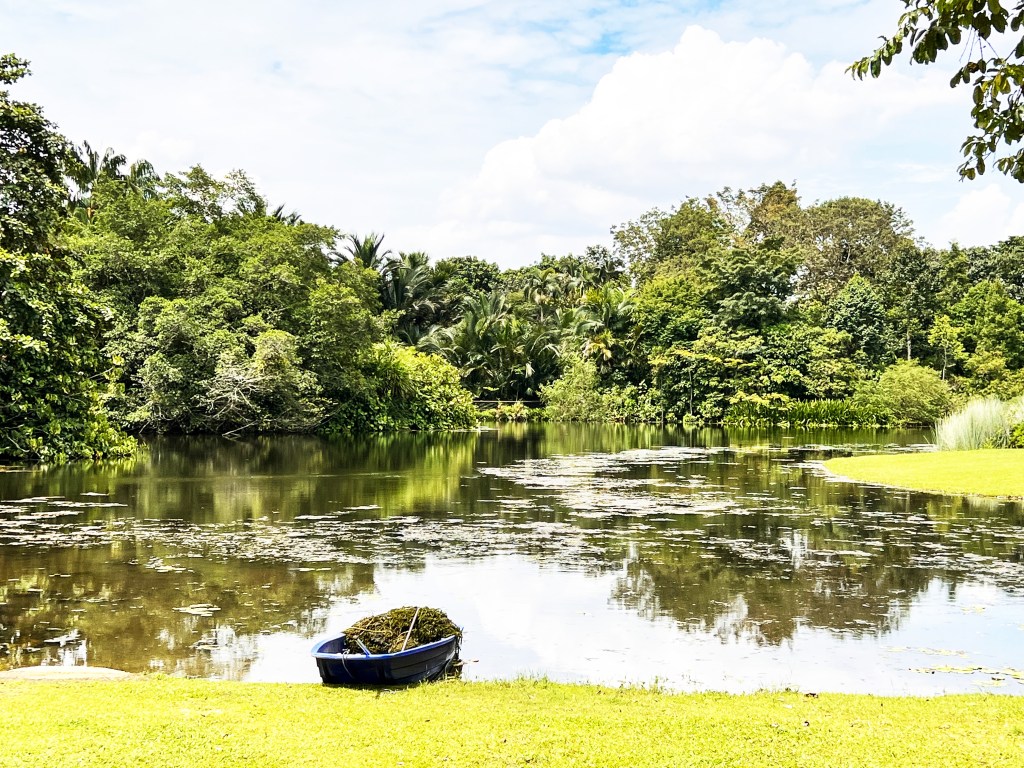
The edit focuses on greenery and water reflection.
How I edited the image
Brightness: +10
Contrast: +15
Vibrance: +20
Saturation: +5
Clarity and dehaze: – +20
Portrait (of a person)
Original Image Final Results
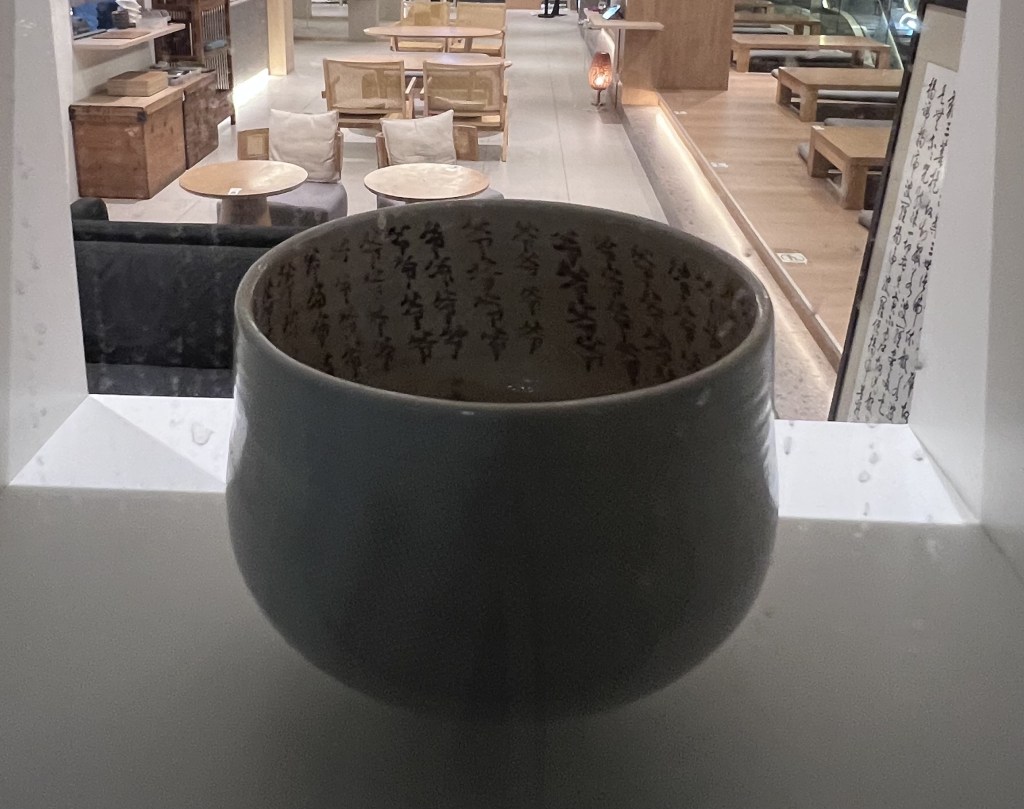
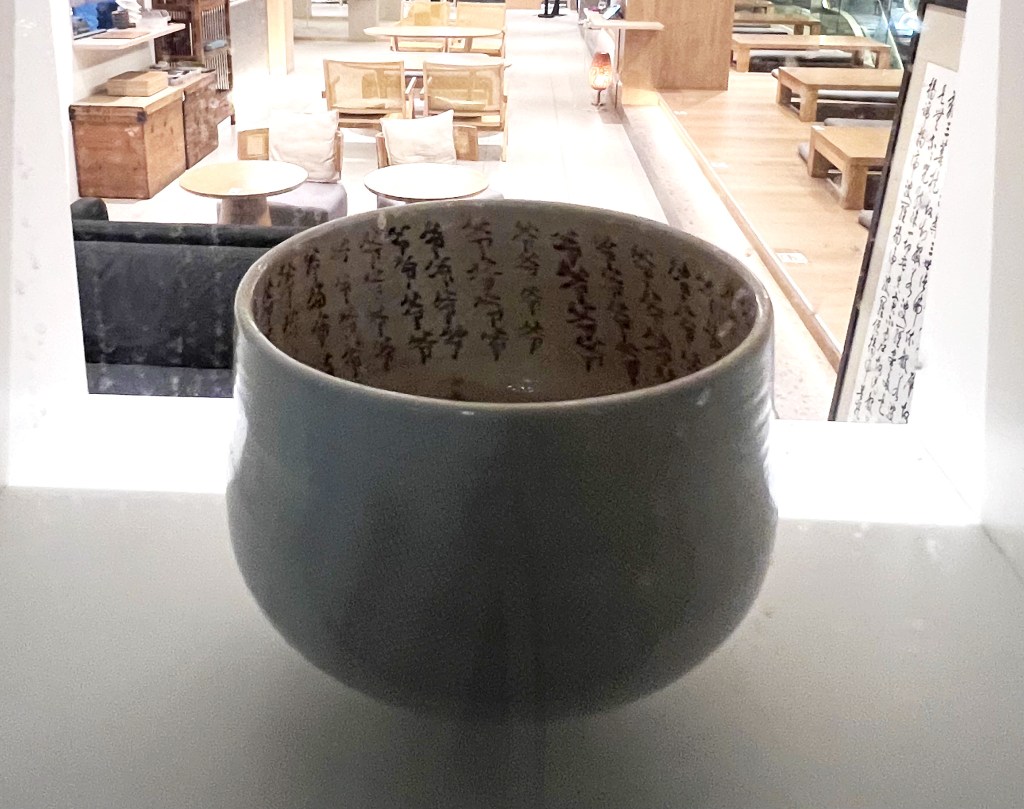
The edit focuses on the calligraphy details inside the cup and banner on the right.
How I edited the image
Brightness: +40
Contrast: +20
Vibrance: +20
Saturation: +5
Exposure: +0.2
Others
Adjustment of Levels: This improves depth, the lighting balance, and details inside the cup
Black: 10
Midtones: 1.20
White: 240
Action
Original Image Final Results
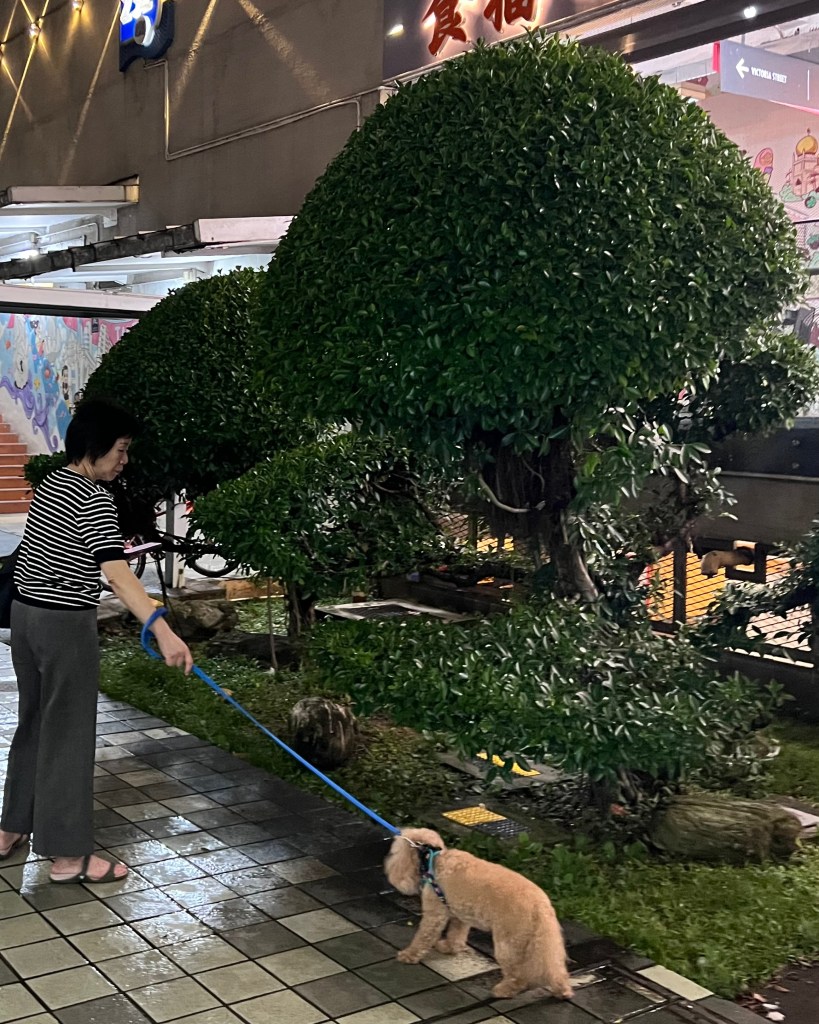
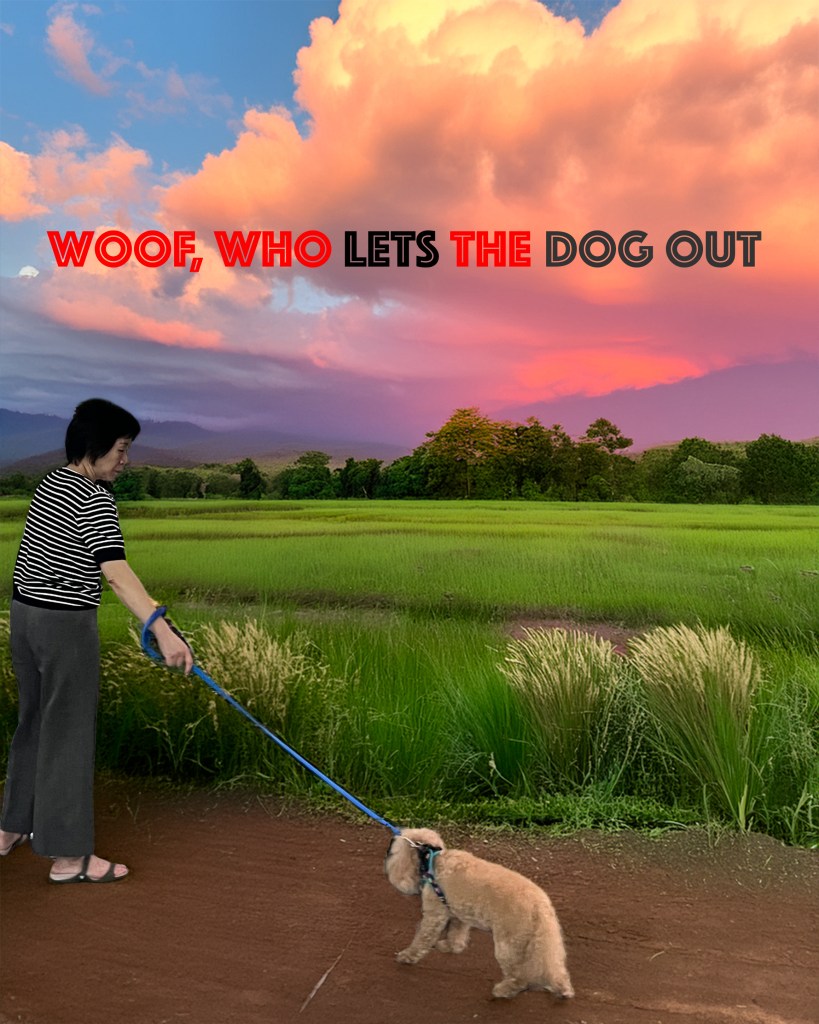
The edit is to change the background and add text.
How I edited the image
I used the Remove Background tool to isolate the subject from the original photo.
A new background featuring pink clouds and green fields was added to replace the original setting. This background was created using Generative AI in Photoshop to give the image a more imaginative and playful visual style.
I added text with the font Phosphate at 150 pt and applied red and black text colours to increase contrast and make the wording stand out against the background.
Portrait
Original Image Final Results
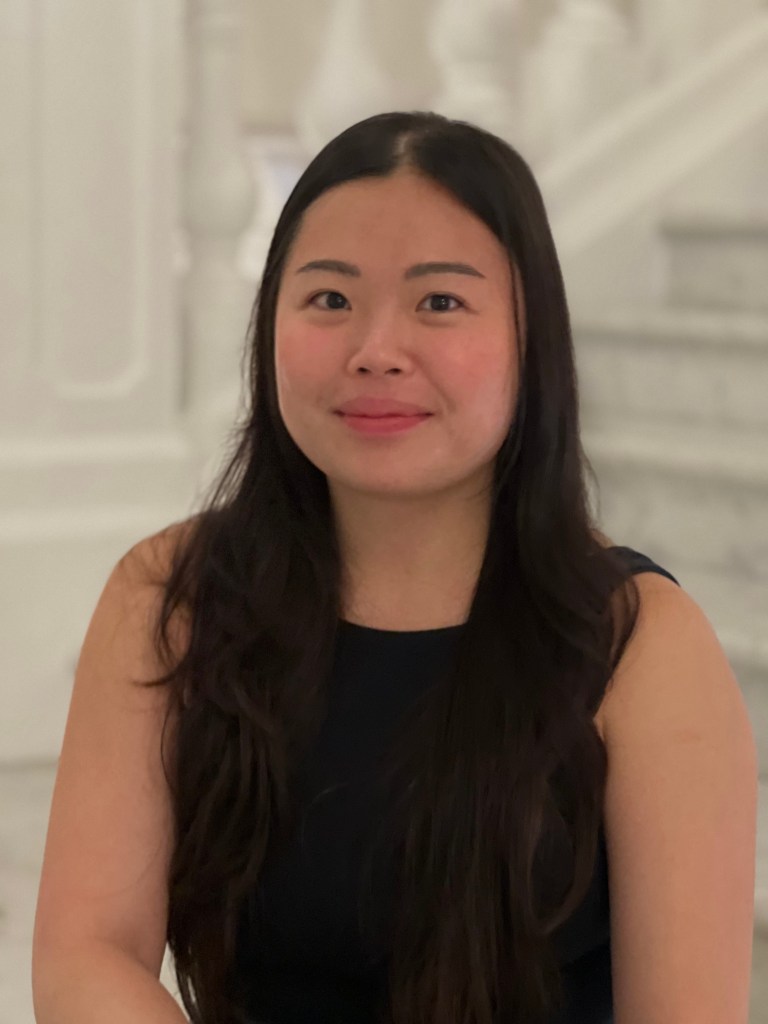
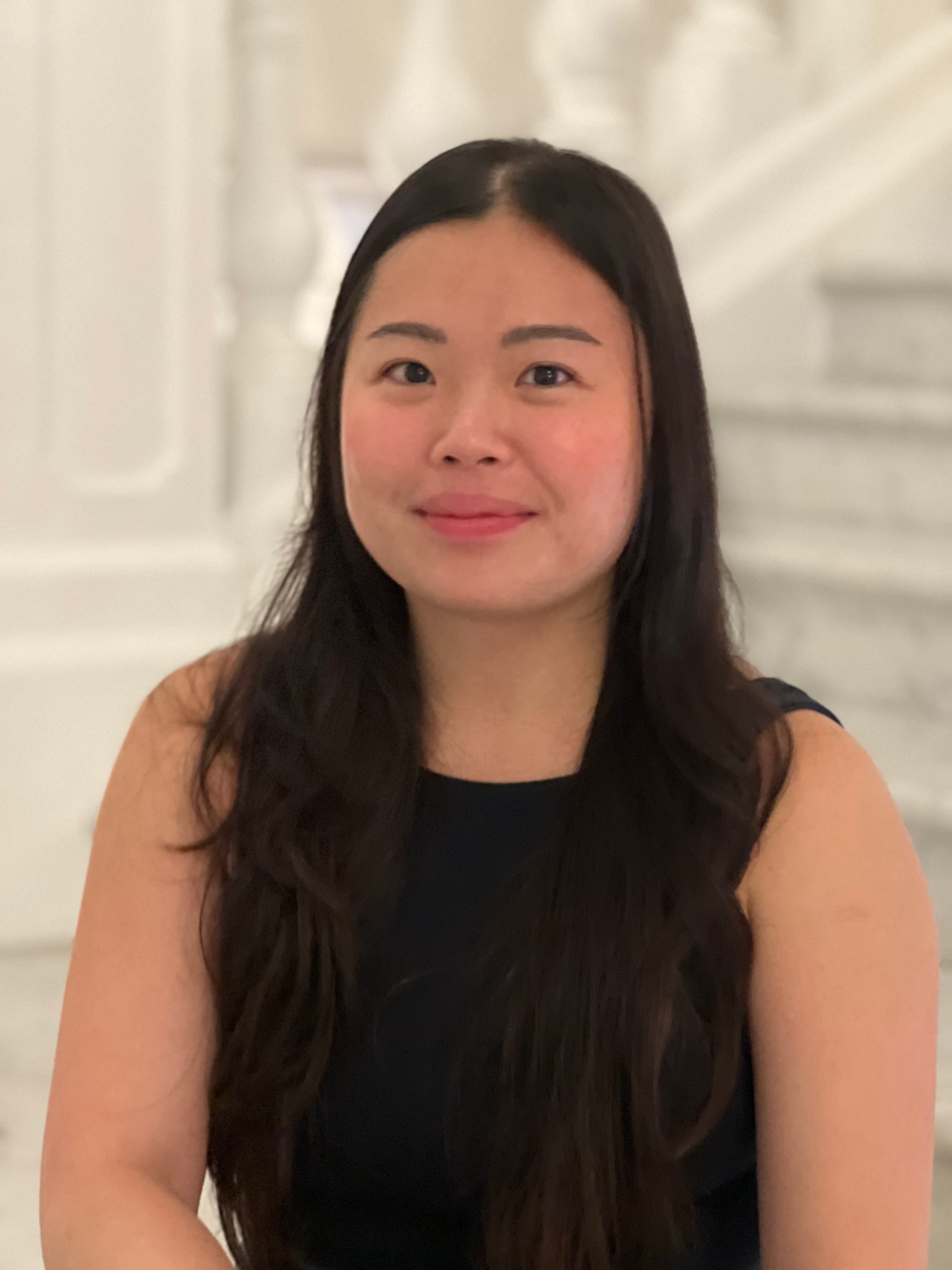
I slightly increased the exposure and shadows to brighten the face, reduced highlights to soften bright areas, and adjusted vibrance to give the portrait a gentle colour boost. I also applied light sharpening to bring more attention to the facial features
How I edited the image
Exposure: +0.30
Contrast: +5
Highlights: -20 Shadows
Temperature: +4
Tint: +2
Vibrance: +12
Saturation: +3
Sharpening: +12
 ET Digital Media Portfolio